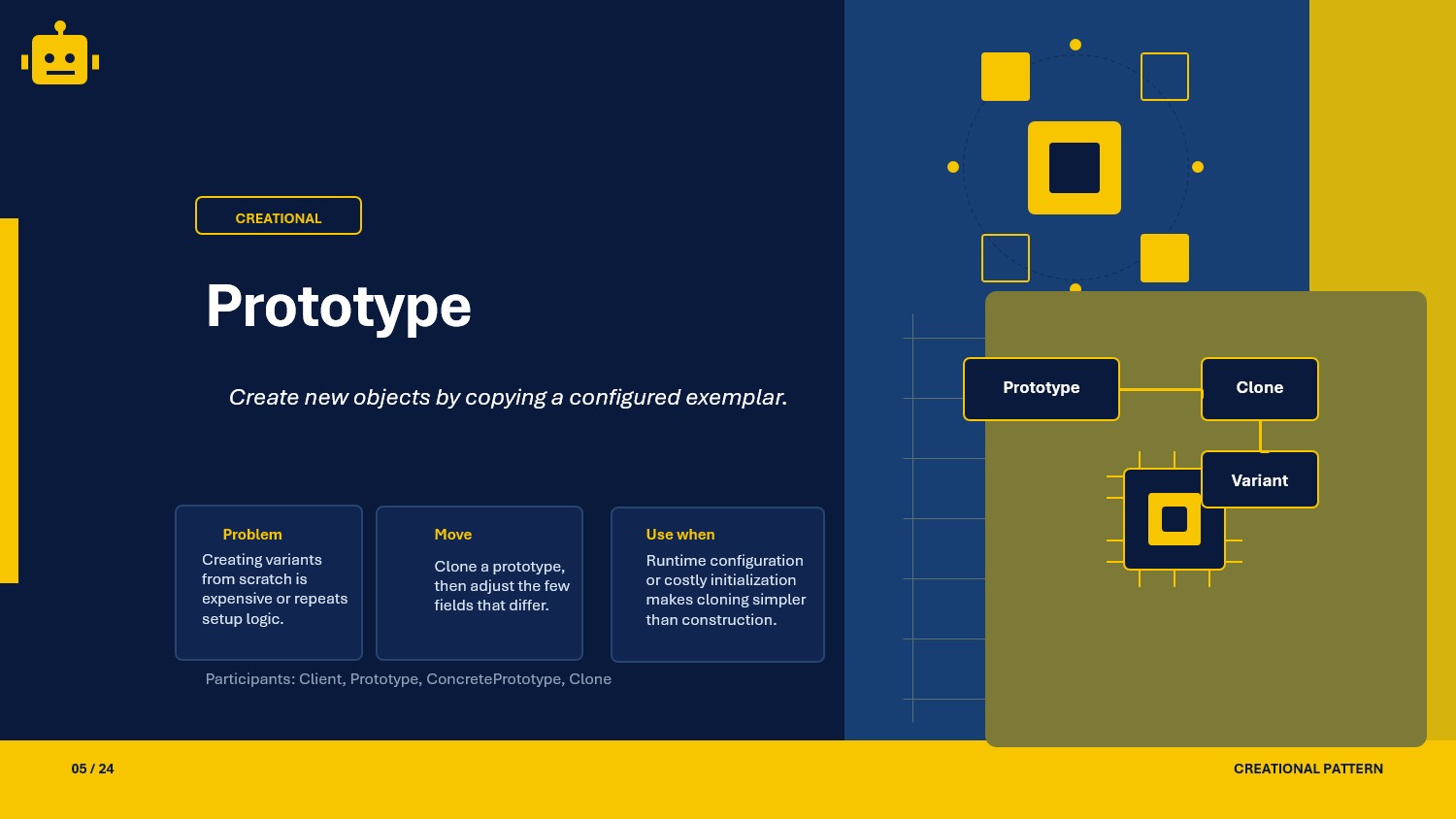
A practical look at the Prototype pattern in C#, with a simple example and clear guidance on when to use it in an ASP.NET Core API.
Intro
When I started building APIs that needed to produce slightly varied copies of complex objects, I quickly realized that calling new each time and copying each field by hand was tedious and error-prone. That is when the Prototype pattern made a lot of sense. Instead of rebuilding an object from scratch, you clone an existing one and only adjust what needs to change.
What Is the Prototype Pattern?
Prototype is a creational design pattern that lets you create new objects by copying an existing instance rather than constructing one from scratch. The existing instance acts as a template, or prototype, and cloning it produces a new independent object.
In plain terms, instead of calling new and setting up every property yourself, you ask an existing object to copy itself and then make only the small changes you need.
Prototype Class Example
The scenario below shows a document template system used in an API. Each template can be cloned to produce a new draft without touching the original.
public interface IDocumentPrototype{    IDocumentPrototype Clone();}
public class ReportTemplate : IDocumentPrototype{    public string Title { get; set; } = string.Empty;    public string Category { get; set; } = string.Empty;    public List<string> Sections { get; set; } = new();
    public IDocumentPrototype Clone()    {        return new ReportTemplate        {            Title    = this.Title,            Category = this.Category,            Sections = new List<string>(this.Sections)        };    }
    public override string ToString() =>        $"[{Category}] {Title} — Sections: {string.Join(", ", Sections)}";}
Usage
var masterTemplate = new ReportTemplate{    Title    = "Monthly Summary",    Category = "Finance",    Sections = new List<string> { "Overview", "Revenue", "Expenses" }};
var aprilDraft = (ReportTemplate)masterTemplate.Clone();aprilDraft.Title = "April Monthly Summary";
Console.WriteLine(masterTemplate);Console.WriteLine(aprilDraft);
Why This Works
Clone Method
Each class exposes a Clone method so callers never depend on a concrete constructor to duplicate an object.
Independent Copy
Cloning the sections list as a new list means changes to the copy do not affect the original template.
Flexible Customization
After cloning you only update the fields that differ, which keeps the code concise and avoids repeating shared setup logic.
When to Use It
Prototype is a good fit when creating an object from scratch is expensive or complicated.
- copying a pre-configured request or response object with shared defaults
- generating draft documents from a master template
- duplicating complex entity graphs in domain-driven design
- seeding test data with slight variations from a known baseline
That said, if the object is cheap to create and has few fields, plain construction is simpler. Use Prototype when the object is complex enough that cloning saves real effort.
Important Note for ASP.NET Core
In ASP.NET Core, you can register a prototype factory so that each call to resolve the service produces a fresh clone of a pre-configured instance rather than building from nothing.
var master = new ReportTemplate{    Category = "Finance",    Sections  = new List<string> { "Overview", "Revenue", "Expenses" }};
builder.Services.AddTransient<ReportTemplate>(_ =>    (ReportTemplate)master.Clone());
This approach ensures each request gets its own independent copy without repeating the shared setup, and the container still manages the lifetime cleanly.
Core Components of the Pattern
| Part | Purpose | Example in this article |
|---|---|---|
| Prototype interface | Declares the Clone method | IDocumentPrototype |
| Concrete prototype | Implements Clone and copies its own state | ReportTemplate |
| Client | Calls Clone instead of using new | The usage code above |
Common Prototype Variations
You will usually see Prototype implemented in a few common ways:
Shallow Copy
Uses MemberwiseClone() to copy value-type fields and reference addresses. Fast, but the clone shares reference-type members with the original.
Deep Copy
Manually copies every nested object so the clone is fully independent from the original. This is the version shown in the example above.
Prototype Registry
A central store of named prototypes. Clients request a clone by key, and the registry returns a fresh copy of the registered prototype without exposing any concrete type.
How the Variations Differ
| Variation | Copy depth | Independence | Best use case |
|---|---|---|---|
| Shallow copy | Surface fields only | Partial | Objects with only value-type fields |
| Deep copy | Full object graph | Full | Objects with nested reference types |
| Prototype registry | Full (via registry) | Full | Named templates looked up by key |
SOLID Principles Behind It
SRP — Single Responsibility Principle
Each concrete prototype is responsible for knowing how to copy itself. The client does not need to know the internals of construction.
OCP — Open/Closed Principle
You can introduce new prototype types without changing existing client code. Clients call Clone through the shared interface.
LSP — Liskov Substitution Principle
Any concrete prototype can replace another wherever the interface is expected, because each Clone call returns a valid, independent copy.
DIP — Dependency Inversion Principle
The client depends on the IDocumentPrototype abstraction. It never references a concrete class directly.
Advantages and Disadvantages
Advantages
- Reduces repeated setup for complex objects.
- Makes object creation faster when cloning is cheaper than rebuilding.
- Keeps client code simple by avoiding constructor-heavy logic.
- Supports template-based object creation and variation.
Disadvantages (and Optional Alternatives)
- Deep cloning can become complex for large object graphs. Optional pattern: Builder (construct complex objects explicitly and safely).
- Cloning can hide performance costs when objects contain large nested data. Optional pattern: Flyweight (share immutable state instead of duplicating it).
- Resource-bound fields (connections, file handles) may not clone safely. Optional pattern: Factory Method (recreate resource-backed parts explicitly).
UML Diagram
classDiagram    class Client    class Prototype {        +Clone()    }    class ConcretePrototype    class Registry
    ConcretePrototype --|> Prototype    Registry --> Prototype    Client --> Prototype    Client --> Registry
A Quick Usage Example
var first  = (ReportTemplate)masterTemplate.Clone();var second = (ReportTemplate)masterTemplate.Clone();
first.Title  = "Q1 Report";second.Title = "Q2 Report";
Both variables are independent copies of the same master template. Changing one does not affect the other or the original.
How to Validate the Pattern
If you want to confirm that your Prototype is working correctly, check these points:
- cloned objects should be equal in value but not the same reference
- changes to the clone should not affect the original
- nested reference-type fields should also be independent in a deep copy
- a prototype registry should return a fresh clone on every call, not the stored prototype itself
A simple practical check is to clone an object, modify a field on the clone, and then print both. If the original remains unchanged and the references differ, the pattern is behaving as expected.
Is there any other way to check our implementations
- Yes, we can write test cases for those implementations
- Here is the link, to test using unit test cases
Summary
The Prototype pattern avoids the cost and complexity of rebuilding objects from scratch by cloning a pre-configured instance. It decouples the client from concrete constructors, keeps shared setup in one place, and makes it straightforward to produce independent variations of a complex object.