
A practical guide to the Abstract Factory pattern in C#, using the Factory Method notification example as a starting point.
Intro
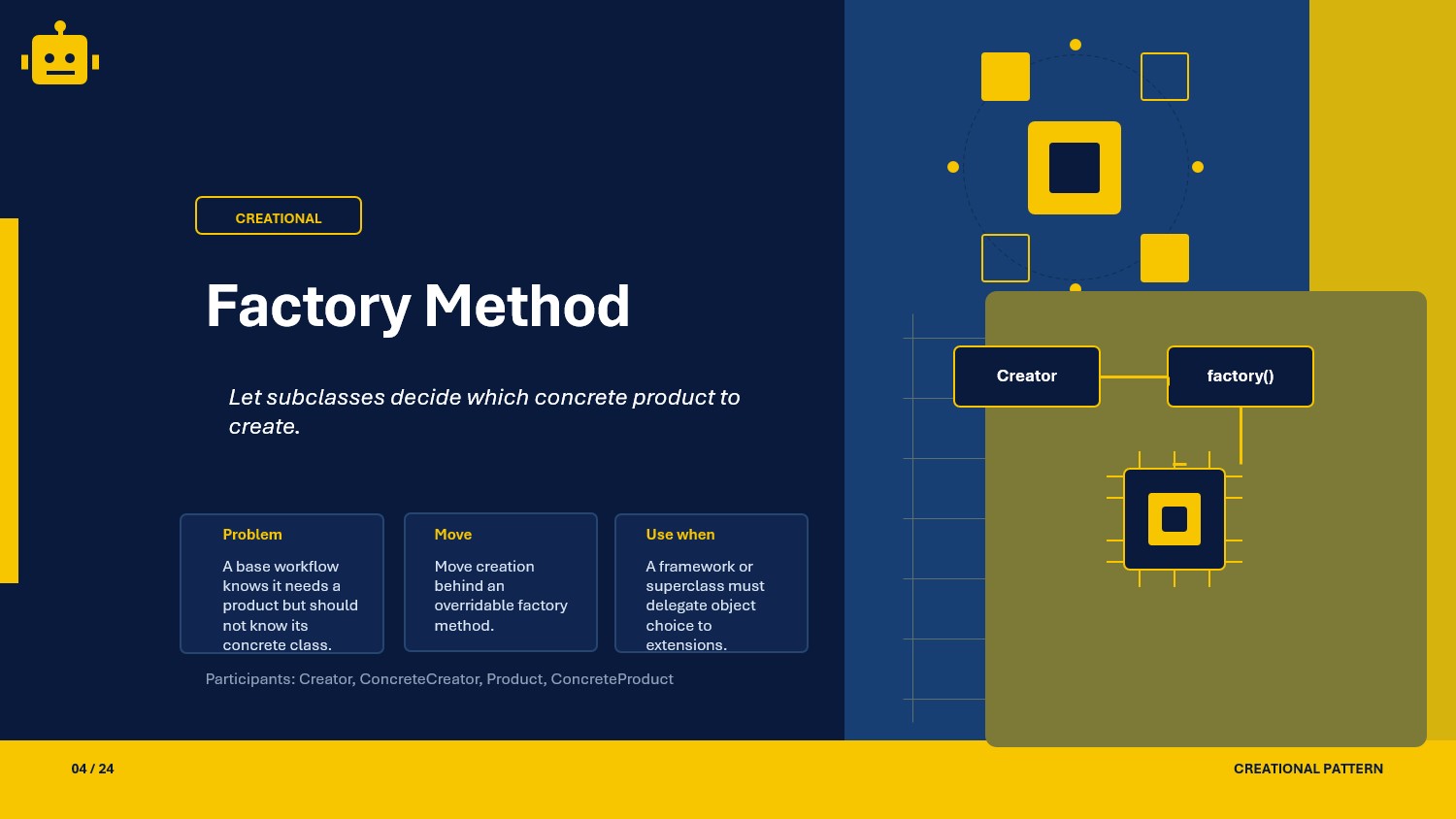
Factory Method helps when you need to create one product type behind a common abstraction. In real APIs, we often need multiple related objects that should work together as a family.
That is where Abstract Factory fits.
What Is the Abstract Factory Pattern?
Abstract Factory is a creational pattern that provides an interface for creating families of related objects without specifying their concrete classes.
In short:
- Factory Method: creates one product
- Abstract Factory: creates a coordinated set of products
Why Not Just Factory Method?
In the Factory Method article, we created one object (INotification) based on channel.
Now imagine each channel also needs a matching message formatter:
- Email channel -> Email notification + Email formatter
- SMS channel -> SMS notification + SMS formatter
If we create these separately, callers can accidentally mix incompatible types. Abstract Factory prevents that by producing both objects from one family factory.
Example Scenario
Let us keep the same notification domain and extend it. Each channel will provide:
- a sender (
INotificationSender) - a formatter (
IMessageFormatter)
Core Interfaces
public interface INotificationSender{    void Send(string message);}
public interface IMessageFormatter{    string Format(string rawMessage);}
public interface INotificationSuiteFactory{    INotificationSender CreateSender();    IMessageFormatter CreateFormatter();}
Concrete Families
public sealed class EmailSender : INotificationSender{    public void Send(string message) => Console.WriteLine($"[Email] {message}");}
public sealed class EmailFormatter : IMessageFormatter{    public string Format(string rawMessage) => $"<h2>{rawMessage}</h2>";}
public sealed class SmsSender : INotificationSender{    public void Send(string message) => Console.WriteLine($"[SMS] {message}");}
public sealed class SmsFormatter : IMessageFormatter{    public string Format(string rawMessage) => rawMessage.Length > 120        ? rawMessage.Substring(0, 117) + "..."        : rawMessage;}
public sealed class EmailNotificationFactory : INotificationSuiteFactory{    public INotificationSender CreateSender() => new EmailSender();    public IMessageFormatter CreateFormatter() => new EmailFormatter();}
public sealed class SmsNotificationFactory : INotificationSuiteFactory{    public INotificationSender CreateSender() => new SmsSender();    public IMessageFormatter CreateFormatter() => new SmsFormatter();}
Sub Types of Abstract Factory
KitFamilyOfRelatedObjects
This subtype focuses on producing a complete and compatible product kit in one place.
In this article’s context, one factory creates a full notification kit:
- sender object (
INotificationSender) - formatter object (
IMessageFormatter)
The key idea is consistency: products from the same factory are designed to work together without mismatch.
Why it matters in implementation:
- You avoid combining
EmailSenderwithSmsFormatterby mistake. - The caller gets a ready-to-use family, not scattered pieces.
- Testing is simpler because each family has one clear contract.
FactoryOfFactories
This subtype introduces one level above concrete families: a selector that returns the appropriate concrete factory.
In ASP.NET Core, Func<string, INotificationSuiteFactory> behaves like a factory-of-factories:
- input: a channel key like
emailorsms - output: a concrete family factory such as
EmailNotificationFactoryorSmsNotificationFactory
This keeps runtime selection logic separate from business services while preserving family consistency.
Why it matters in implementation:
- Runtime routing stays in one place, usually DI registration.
- Business services remain clean and depend only on abstractions.
- Adding a new family (for example, Push) usually means adding one factory and one selector mapping.
Usage in API Service
public sealed class NotificationService{    private readonly INotificationSuiteFactory _factory;
    public NotificationService(INotificationSuiteFactory factory)    {        _factory = factory;    }
    public void Notify(string rawMessage)    {        var formatter = _factory.CreateFormatter();        var sender = _factory.CreateSender();
        var finalMessage = formatter.Format(rawMessage);        sender.Send(finalMessage);    }}
For runtime selection in ASP.NET Core:
builder.Services.AddTransient<EmailNotificationFactory>();builder.Services.AddTransient<SmsNotificationFactory>();
builder.Services.AddTransient<Func<string, INotificationSuiteFactory>>(sp => channel =>    channel.ToLowerInvariant() switch    {        "email" => sp.GetRequiredService<EmailNotificationFactory>(),        "sms" => sp.GetRequiredService<SmsNotificationFactory>(),        _ => throw new ArgumentOutOfRangeException(nameof(channel), "Unknown channel")    });
Why This Works
- It keeps related product combinations consistent.
- It removes channel-specific creation logic from business services.
- It is easy to extend with a new family, such as Push.
Factory Method vs Abstract Factory
| Pattern | Creates | Good when |
|---|---|---|
| Factory Method | One product object | Object type changes at runtime |
| Abstract Factory | Multiple related product objects | You need consistent families of objects |
A practical way to think about it: Abstract Factory is often built using Factory Methods internally.
Advantages and Disadvantages
Advantages
- Guarantees compatibility among related products.
- Removes product-family creation logic from business services.
- Makes it easy to add a new family (for example, Push) without changing callers.
- Improves consistency and testability of family-based behavior.
Disadvantages (and Optional Alternatives)
- Adds more interfaces and classes, which can feel heavy for small domains. Optional pattern: Factory Method (use a simpler single-product factory when only one product varies).
- Adding a new product type across all families can require touching many concrete factories. Optional pattern: Builder (use step-by-step assembly when product dimensions evolve frequently).
- Family boundaries can be rigid when you need mix-and-match behavior. Optional pattern: Strategy (compose interchangeable behaviors without strict family coupling).
UML Diagram
classDiagram    class Client
    class IUiKitFactory    class LightUiKitFactory    class DarkUiKitFactory
    class IButton    class ICard    class LightButton    class DarkButton    class LightCard    class DarkCard
    LightUiKitFactory ..|> IUiKitFactory    DarkUiKitFactory ..|> IUiKitFactory    LightButton ..|> IButton    DarkButton ..|> IButton    LightCard ..|> ICard    DarkCard ..|> ICard
    IUiKitFactory --> IButton    IUiKitFactory --> ICard    Client --> IUiKitFactory
This UML shows how one abstract factory defines product creation contracts, while each concrete factory creates a matching family of concrete products.
How to Validate the Pattern
Use this checklist:
- the service depends only on abstractions (
INotificationSuiteFactory,INotificationSender,IMessageFormatter) - each concrete factory returns matching product family members
- adding a new channel should not require changing existing service logic
- invalid channel input should fail fast with a clear exception
For automated validation, create unit tests that instantiate each concrete factory and verify that sender + formatter combinations behave correctly.
Summary
Abstract Factory is a natural next step after Factory Method when you move from creating one object to creating a compatible set of objects. In .NET Core APIs, this helps keep object creation consistent, testable, and easier to evolve as channels and rules grow.