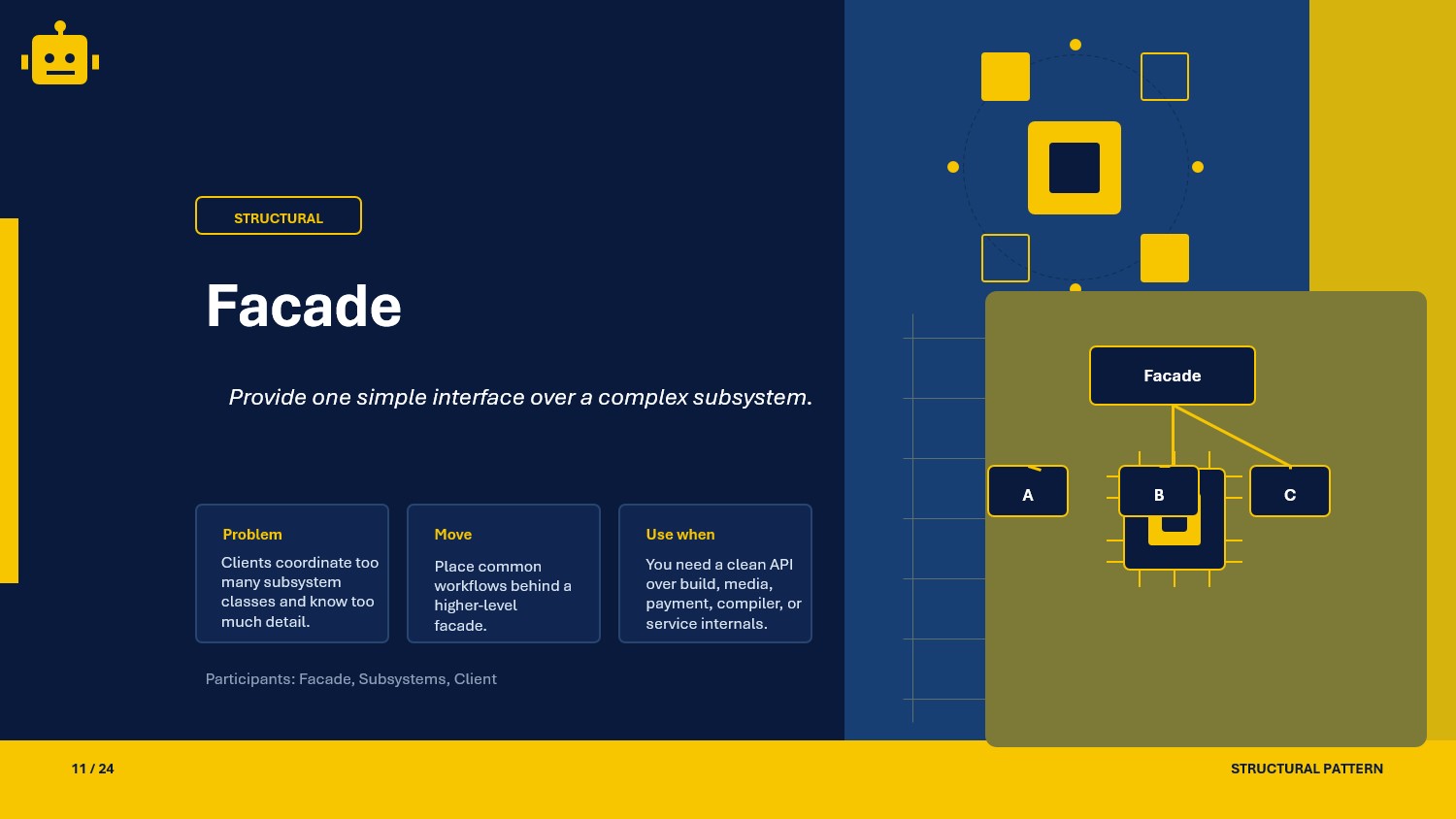
A practical and beginner-friendly guide to the Facade pattern in C#, with simple and layered facade variations for clean API orchestration.
Intro
Facade is a structural design pattern that provides a simple interface over a set of complex subsystems.
It is useful when the client should not deal with many low-level services directly.
In API projects, Facade helps keep controllers thin by moving orchestration into one focused entry point.
What Is the Facade Pattern?
The Facade pattern hides subsystem complexity behind a single, unified interface.
In simple terms:
- The client calls one high-level method.
- The facade coordinates multiple subsystem calls.
- The client does not need to know subsystem ordering or internal details.
This reduces coupling and makes calling code easier to read.
Facade Class Example
Suppose we have a checkout flow that needs inventory, payment, and shipping services.
public interface IInventoryService{    bool Reserve(string sku, int quantity);}
public interface IPaymentService{    bool Charge(string customerId, decimal amount);}
public interface IShippingService{    string CreateShipment(string customerId, string sku, int quantity);}
public sealed class CheckoutFacade{    private readonly IInventoryService _inventory;    private readonly IPaymentService _payment;    private readonly IShippingService _shipping;
    public CheckoutFacade(        IInventoryService inventory,        IPaymentService payment,        IShippingService shipping)    {        _inventory = inventory;        _payment = payment;        _shipping = shipping;    }
    public string PlaceOrder(string customerId, string sku, int quantity, decimal amount)    {        if (!_inventory.Reserve(sku, quantity))        {            return "Inventory unavailable";        }
        if (!_payment.Charge(customerId, amount))        {            return "Payment failed";        }
        return _shipping.CreateShipment(customerId, sku, quantity);    }}
Usage
var result = checkoutFacade.PlaceOrder("CUST-100", "SKU-20", 2, 1499.00m);Console.WriteLine(result);Why This Works
- Client code depends on one facade instead of many subsystems.
- Subsystem interaction order is centralized in one place.
- Changes to subsystem workflow do not affect every caller.
- Testing becomes easier because orchestration is isolated.
When to Use It
- When clients repeatedly call multiple services in a fixed sequence.
- When subsystem APIs are too detailed for most callers.
- When you want a stable, business-focused entry point.
- When controllers/services are growing with orchestration logic.
If your use case is only a direct one-to-one service call, a facade might be unnecessary.
Important Note for ASP.NET Core
In ASP.NET Core, facades fit well as application services registered in DI.
builder.Services.AddScoped<IInventoryService, InventoryService>();builder.Services.AddScoped<IPaymentService, PaymentService>();builder.Services.AddScoped<IShippingService, ShippingService>();builder.Services.AddScoped<CheckoutFacade>();Controllers can depend on CheckoutFacade and stay focused on HTTP concerns.
Core Components of the Pattern
| Part | Purpose | Example in this article |
|---|---|---|
| Facade | Simplified entry point to subsystem operations | CheckoutFacade |
| Subsystems | Low-level services that perform actual work | IInventoryService, IPaymentService, IShippingService |
| Client | Uses the high-level entry point | API controller or application service |
Common Facade Variations
01-SimpleFacade
A single facade class wraps a set of subsystem calls for one use case.
It is best when workflow is straightforward and the same orchestration is used by many callers.
public sealed class NotificationFacade{    private readonly ITemplateService _template;    private readonly IEmailSender _email;
    public NotificationFacade(ITemplateService template, IEmailSender email)    {        _template = template;        _email = email;    }
    public void SendWelcome(string userEmail, string userName)    {        var body = _template.Render("Welcome", userName);        _email.Send(userEmail, "Welcome", body);    }}
02-LayeredFacade
Multiple facades are organized in layers, where a top-level facade coordinates lower-level facades.
This is useful when workflows are large and need separation by domain boundaries.
public sealed class BillingFacade{    public bool ProcessInvoice(string customerId, decimal amount) => true;}
public sealed class FulfillmentFacade{    public string ProcessShipment(string customerId, string sku, int quantity) => "SHIP-1001";}
public sealed class OrderApplicationFacade{    private readonly BillingFacade _billing;    private readonly FulfillmentFacade _fulfillment;
    public OrderApplicationFacade(BillingFacade billing, FulfillmentFacade fulfillment)    {        _billing = billing;        _fulfillment = fulfillment;    }
    public string CompleteOrder(string customerId, string sku, int quantity, decimal amount)    {        if (!_billing.ProcessInvoice(customerId, amount))        {            return "Billing failed";        }
        return _fulfillment.ProcessShipment(customerId, sku, quantity);    }}
How the Variations Differ
| Variation | Main idea | Best use case | Trade-off |
|---|---|---|---|
| SimpleFacade | One facade over a small subsystem group | Common, fixed workflows | Can become large as features grow |
| LayeredFacade | Top-level facade over multiple facades | Complex domains with bounded responsibilities | More classes and composition setup |
SOLID Principles Behind It
SRP — Single Responsibility Principle
The facade focuses on orchestration, while each subsystem keeps its own specialized logic.
OCP — Open/Closed Principle
You can extend behavior by adding new subsystem services or a new facade layer without changing every client.
DIP — Dependency Inversion Principle
Facade depends on subsystem abstractions (IInventoryService, IPaymentService), not concrete implementations.
ISP — Interface Segregation Principle
Clients can depend on a small, scenario-specific facade API instead of many subsystem contracts.
Advantages and Disadvantages
Advantages
- Simplifies usage of complex subsystems.
- Reduces coupling between clients and low-level services.
- Keeps orchestration logic centralized and maintainable.
- Makes controllers and handlers cleaner.
Disadvantages
- Facade can become a god object if too many responsibilities are added.
- May hide useful subsystem capabilities from advanced callers.
- Extra abstraction can be unnecessary for very small workflows.
UML Diagram
classDiagram    class Client    class CheckoutFacade {        +PlaceOrder(customerId, sku, quantity, amount) string    }    class IInventoryService {        <<interface>>        +Reserve(sku, quantity) bool    }    class IPaymentService {        <<interface>>        +Charge(customerId, amount) bool    }    class IShippingService {        <<interface>>        +CreateShipment(customerId, sku, quantity) string    }
    Client --> CheckoutFacade    CheckoutFacade --> IInventoryService    CheckoutFacade --> IPaymentService    CheckoutFacade --> IShippingService
A Quick Usage Example
public sealed class OrdersController{    private readonly CheckoutFacade _checkout;
    public OrdersController(CheckoutFacade checkout)    {        _checkout = checkout;    }
    public string Post()    {        return _checkout.PlaceOrder("CUST-500", "SKU-81", 1, 599.00m);    }}
The controller uses one facade call instead of coordinating inventory, payment, and shipping directly.
How to Validate the Pattern
If you want to validate a Facade implementation, check these points:
- the client should call only the facade for the target workflow
- subsystem calls should happen in the expected order
- failure paths should be translated into clear facade-level outcomes
- replacing subsystem implementations should not require client changes
A small xUnit example:
[Fact]public void CheckoutFacade_Should_Return_PaymentFailed_When_Charge_Fails(){    var inventory = new FakeInventoryService(success: true);    var payment = new FakePaymentService(success: false);    var shipping = new FakeShippingService();
    var facade = new CheckoutFacade(inventory, payment, shipping);
    var result = facade.PlaceOrder("C-1", "SKU-1", 1, 100m);
    Assert.Equal("Payment failed", result);}