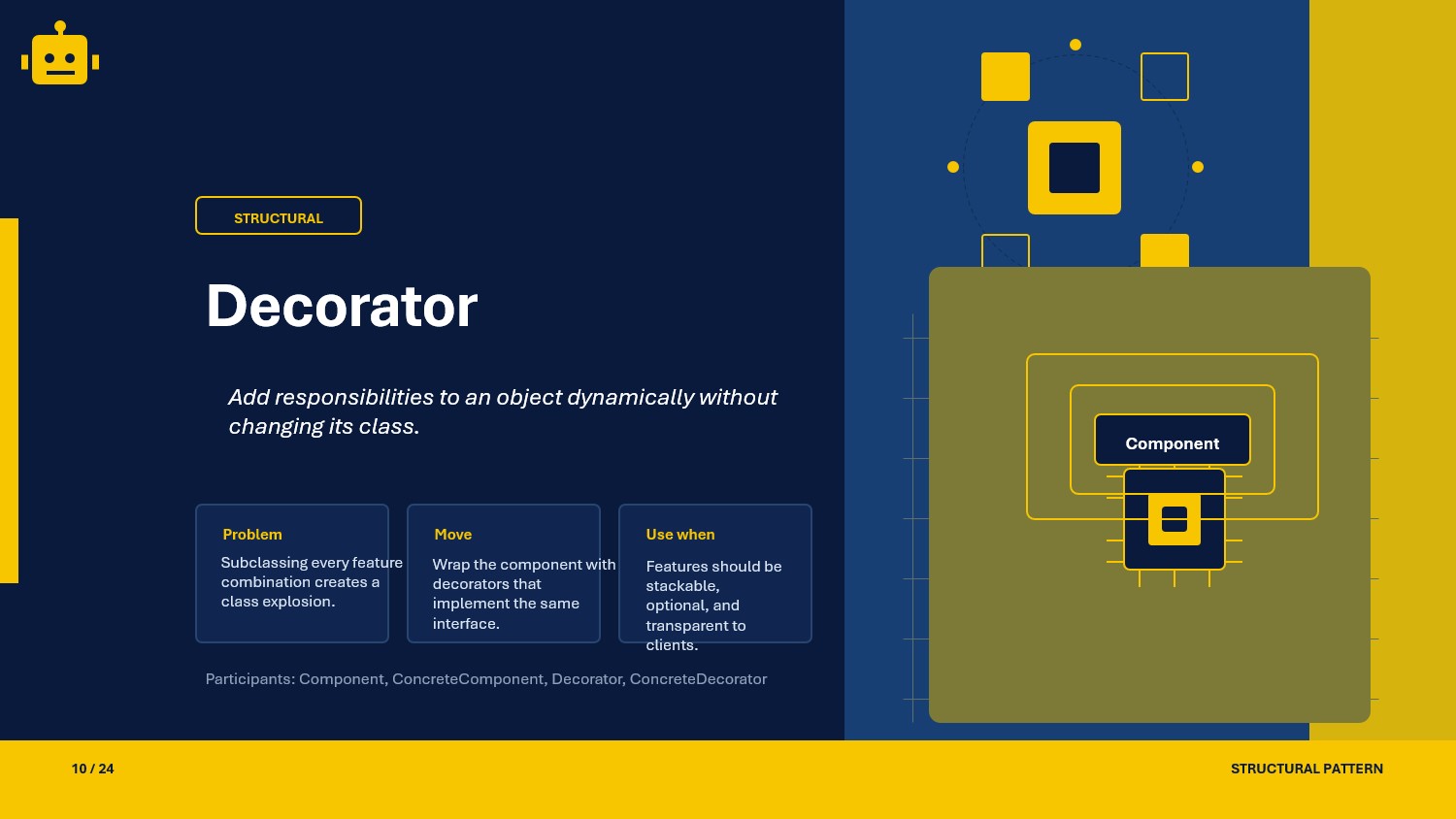
A practical guide to the Decorator pattern in C#, with transparent and semi-transparent decorators plus runtime composition examples.
Intro
The Decorator pattern is a structural design pattern that lets you add behavior to an object without changing its class.
It is useful when you want to keep the original component small and stable, then layer extra responsibilities around it as needed.
In .NET code, this often appears when you want logging, caching, validation, formatting, or tracing to be attached to a service at runtime.
What Is the Decorator Pattern?
Decorator wraps an object in another object that implements the same interface.
That means:
- the client still depends on the same abstraction
- the original class stays untouched
- extra behavior can be added or removed by composing wrappers
The pattern is especially helpful when inheritance would create too many subclasses.
Decorator Class Example
Here is a simple notification example.
public interface INotification{    void Send(string message);}
public sealed class EmailNotification : INotification{    public void Send(string message)    {        Console.WriteLine($"[Email] {message}");    }}
public abstract class NotificationDecorator : INotification{    protected readonly INotification Inner;
    protected NotificationDecorator(INotification inner)    {        Inner = inner;    }
    public virtual void Send(string message)    {        Inner.Send(message);    }}
public sealed class LoggingNotificationDecorator : NotificationDecorator{    public LoggingNotificationDecorator(INotification inner) : base(inner)    {    }
    public override void Send(string message)    {        Console.WriteLine("[Log] Notification started");        base.Send(message);        Console.WriteLine("[Log] Notification finished");    }}
public sealed class TimingNotificationDecorator : NotificationDecorator{    public TimingNotificationDecorator(INotification inner) : base(inner)    {    }
    public override void Send(string message)    {        var start = DateTime.UtcNow;        base.Send(message);        var elapsed = DateTime.UtcNow - start;        Console.WriteLine($"[Timing] Took {elapsed.TotalMilliseconds:0.00} ms");    }}
The client can use EmailNotification, LoggingNotificationDecorator, or TimingNotificationDecorator through the same INotification interface.
Why This Works
- The wrapper and the wrapped object share the same contract, so the client does not need special handling.
- Behavior is added by composition instead of subclass explosion.
- Each decorator has one focused responsibility.
- Multiple decorators can be chained in different orders.
That keeps the design flexible and easy to extend.
When to Use It
Use Decorator when:
- you need to add responsibilities to individual objects at runtime
- inheritance would create too many combinations
- you want to keep the core class unchanged
- you need to layer cross-cutting concerns like caching, logging, validation, or authorization
If the behavior is fixed and never combined, a simple service implementation is usually enough.
Important Note for ASP.NET Core
ASP.NET Core does not natively decorate services in the built-in container the way some third-party containers do.
You can still compose decorators manually in registration:
builder.Services.AddTransient<EmailNotification>();builder.Services.AddTransient<INotification>(sp =>{ var email = sp.GetRequiredService<EmailNotification>(); var logged = new LoggingNotificationDecorator(email); return new TimingNotificationDecorator(logged);});This keeps controllers and application services dependent on INotification, while decoration stays in the composition root.
Core Components of the Pattern
| Part | Purpose | Example in this article |
|---|---|---|
| Component | Common contract used by client and decorators | INotification |
| Concrete Component | The original object being decorated | EmailNotification |
| Decorator | Base wrapper that forwards calls | NotificationDecorator |
| Concrete Decorator | Adds extra behavior before or after forwarding | LoggingNotificationDecorator |
| Client | Uses the abstraction without knowing the full chain | OrderService or API controller |
Common Decorator Variations
01-TransparentDecorator
A transparent decorator keeps the same public contract as the wrapped component.
The client only sees the shared interface, so the decorator can be inserted anywhere the component is expected.
public sealed class RetryNotificationDecorator : NotificationDecorator{    public RetryNotificationDecorator(INotification inner) : base(inner)    {    }
    public override void Send(string message)    {        for (var attempt = 1; attempt <= 3; attempt++)        {            try            {                base.Send(message);                return;            }            catch            {                if (attempt == 3)                {                    throw;                }            }        }    }}
This is the cleanest form of Decorator because the wrapper is fully interchangeable with the original object.
02-SemiTransparentDecorator
A semi-transparent decorator still implements the shared interface, but it also exposes extra members of its own.
That extra surface can be useful, but it also means the client may need to know the concrete decorator type to use those members.
public interface IReport{    string Render();}
public sealed class SalesReport : IReport{    public string Render() => "Base sales report";}
public abstract class ReportDecorator : IReport{    protected readonly IReport Inner;
    protected ReportDecorator(IReport inner)    {        Inner = inner;    }
    public virtual string Render() => Inner.Render();}
public sealed class CachedReportDecorator : ReportDecorator{    private string? _cachedValue;
    public CachedReportDecorator(IReport inner) : base(inner)    {    }
    public bool HasCachedValue => _cachedValue is not null;
    public void ClearCache() => _cachedValue = null;
    public override string Render()    {        _cachedValue ??= base.Render();        return _cachedValue;    }}
CachedReportDecorator still works as IReport, but its cache-control members are only available when the concrete type is known.
03-DynamicVsStaticDecoration
Dynamic decoration happens at runtime by composing objects.
Static decoration is usually done at compile time by inheritance or by pre-wired object graphs that never change after deployment.
IReport dynamicReport = new CachedReportDecorator(new SalesReport());
var staticReport = new SalesReport();
Dynamic decoration is more flexible because you can build different chains for different requests. Static decoration is simpler when the structure never changes.
How the Variations Differ
| Variation | Main idea | Strength | Tradeoff |
|---|---|---|---|
| TransparentDecorator | Same public contract as the component | Maximum interchangeability | Extra behavior must stay behind the shared interface |
| SemiTransparentDecorator | Shared contract plus extra public members | Can expose special helper APIs | Client may depend on concrete decorator types |
| DynamicVsStaticDecoration | Runtime composition vs fixed structure | Runtime flexibility | More registration and wiring effort |
SOLID Principles Behind It
- Single Responsibility Principle: each decorator adds one concern.
- Open/Closed Principle: you extend behavior by adding new decorators instead of changing existing classes.
- Liskov Substitution Principle: transparent decorators should be usable anywhere the base component is expected.
- Dependency Inversion Principle: clients depend on abstractions such as
INotification, not concrete wrappers.
The main caution is LSP. If a decorator changes the meaning of the interface too much, substitution becomes weak.
Advantages and Disadvantages
Advantages
- Adds behavior without changing the original class.
- Avoids inheritance explosion.
- Lets you combine features in different orders.
- Keeps cross-cutting concerns isolated.
Disadvantages
- Can create many small classes.
- Deep wrapper chains can be harder to debug.
- Semi-transparent decorators can leak implementation details.
- Incorrect ordering of decorators can change behavior in surprising ways.
UML Diagram
classDiagram    class Client    class INotification {        <<interface>>        +Send(message)    }    class EmailNotification {        +Send(message)    }    class NotificationDecorator {        #Inner        +Send(message)    }    class LoggingNotificationDecorator {        +Send(message)    }    class TimingNotificationDecorator {        +Send(message)    }
    Client --> INotification    EmailNotification ..|> INotification    NotificationDecorator ..|> INotification    LoggingNotificationDecorator --|> NotificationDecorator    TimingNotificationDecorator --|> NotificationDecorator    NotificationDecorator --> INotification
A Quick Usage Example
public sealed class OrderService{    private readonly INotification _notification;
    public OrderService(INotification notification)    {        _notification = notification;    }
    public void PlaceOrder()    {        _notification.Send("Your order has been placed.");    }}
INotification notification = new TimingNotificationDecorator(    new LoggingNotificationDecorator(        new EmailNotification()));
var service = new OrderService(notification);service.PlaceOrder();
The client never needs to know which decorators are in the chain.
How to Validate the Pattern
To check a Decorator implementation, verify these points:
- the wrapper still behaves like the component
- the original object receives the call when expected
- added behavior runs before or after forwarding in the correct order
- swapping one decorator chain for another does not require client changes
A small xUnit example:
[Fact]public void LoggingDecorator_Should_Forward_To_Inner_Component(){    INotification notification = new LoggingNotificationDecorator(new EmailNotification());
    notification.Send("Order placed");
    Assert.True(true); // Replace with a fake or spy to assert the forwarded call.}
If you use semi-transparent decorators, also test the extra public members directly so their behavior stays predictable.