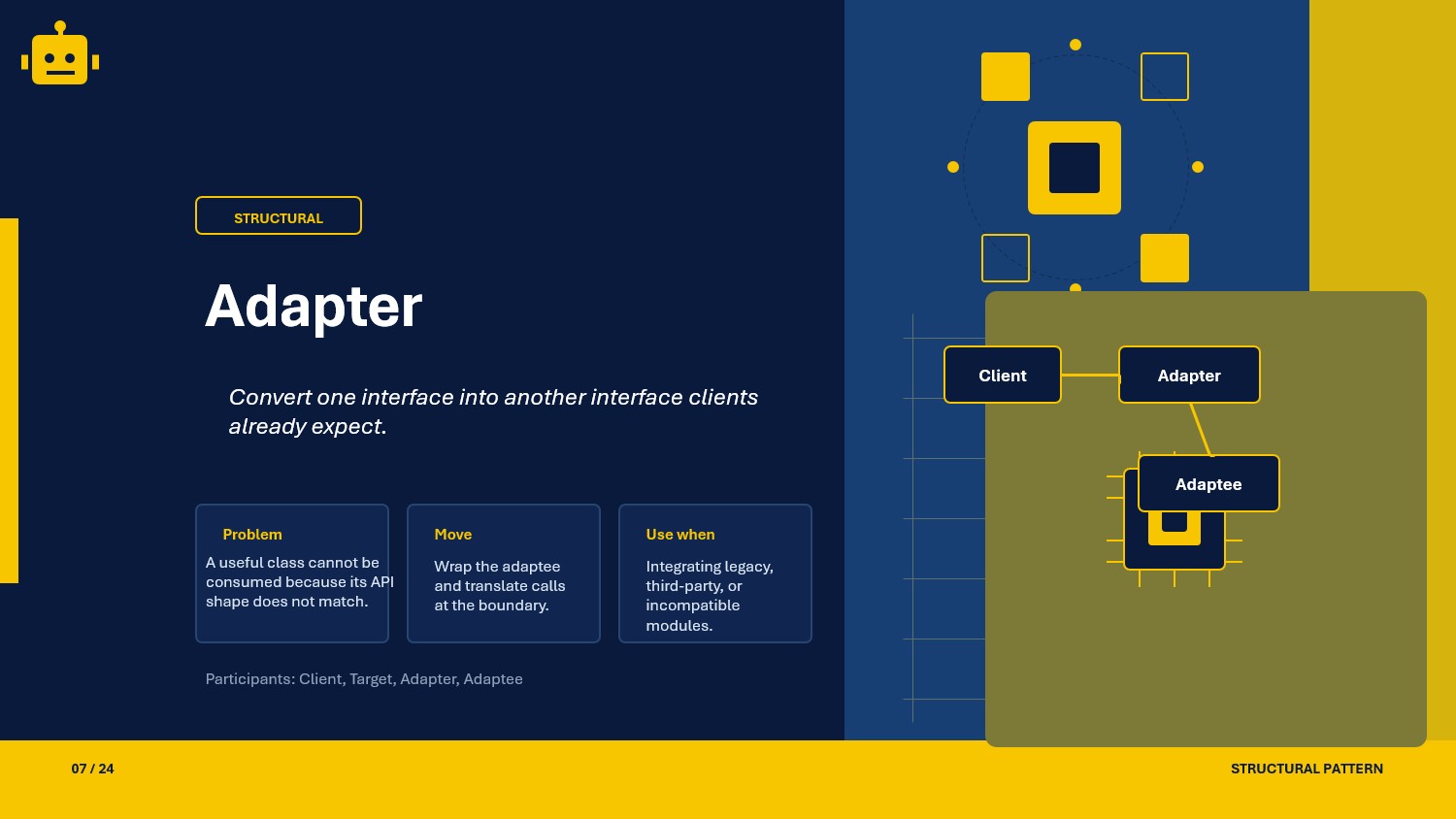
A beginner-friendly guide to the Adapter pattern in C#, with class and object adapter variations for integrating external services.
Intro
Adapter is a structural design pattern used when two classes need to work together but their interfaces do not match. It helps you reuse existing code without changing the original class.
In this article, we use a simple notification contract as the target interface and adapt an incompatible third-party SMS service to match it.
What Is the Adapter Pattern?
The Adapter pattern converts one interface into another interface that the client expects.
In simple terms:
- The client already knows how to call one interface.
- A third-party or legacy class has a different method shape.
- The adapter sits in between and translates calls.
Adapter Pattern Example
Suppose the existing app already uses this notification contract:
public interface INotification{    void Send(string message);}
public class EmailNotification : INotification{    public void Send(string message) =>        Console.WriteLine($"[Email] {message}");}
Now assume a third-party SMS provider has a different API:
public class ThirdPartySmsClient{ public void DeliverSms(string text) { Console.WriteLine($"[3rdParty SMS] {text}"); }}If our services depend on INotification, we cannot use ThirdPartySmsClient directly. Adapter solves this cleanly.
Why This Works
- The client continues to depend on
INotification, so existing code stays unchanged. - The third-party class remains untouched, which avoids risky modifications.
- Integration logic is isolated in one adapter class, making maintenance easier.
- New external providers can be added by creating additional adapters.
When to Use It
- When you integrate third-party SDKs with incompatible method names or signatures.
- When you must reuse legacy classes without changing existing client code.
- When your application depends on a stable interface, but implementations come from mixed sources.
- When you want to keep migration changes local instead of refactoring the whole codebase.
If both sides already share a matching contract, an adapter is unnecessary.
Important Note for ASP.NET Core
In ASP.NET Core, register adapters as implementations of the target interface so services continue to resolve one abstraction.
builder.Services.AddTransient<ThirdPartySmsClient>();builder.Services.AddTransient<INotification, SmsObjectAdapter>();This keeps controller and service constructors clean because they only ask for INotification.
Core Components of the Pattern
| Part | Purpose | Example in this article |
|---|---|---|
| Target | Interface expected by the client | INotification |
| Adaptee | Existing incompatible class | ThirdPartySmsClient |
| Adapter | Translates target calls to adaptee calls | SmsObjectAdapter |
| Client | Uses target interface | OrderService |
Common Adapter Variations
You will usually see Adapter in these two forms:
01-ClassAdapter
Class Adapter uses inheritance from the adaptee and implements the target interface.
public class SmsClassAdapter : ThirdPartySmsClient, INotification{ public void Send(string message) { DeliverSms(message); }}Why it matters in implementation:
- Very small translation layer.
- Direct access to adaptee protected/public members.
- Tighter coupling to one adaptee class.
02-ObjectAdapter
Object Adapter uses composition by holding an adaptee instance internally.
public class SmsObjectAdapter : INotification{    private readonly ThirdPartySmsClient _smsClient;
    public SmsObjectAdapter(ThirdPartySmsClient smsClient)    {        _smsClient = smsClient;    }
    public void Send(string message)    {        _smsClient.DeliverSms(message);    }}
Why it matters in implementation:
- Preferred in modern C# and ASP.NET Core DI.
- Easier to test by mocking the adaptee dependency wrapper.
- More flexible because adapter can switch adaptee instances.
How the Variations Differ
| Variation | Main idea | Best use case | Trade-off |
|---|---|---|---|
| Class Adapter | Inherit adaptee and implement target | Small direct adaptation where inheritance is acceptable | More tightly coupled to adaptee type |
| Object Adapter | Contain adaptee and delegate calls | DI-friendly integrations and interchangeable providers | Slightly more boilerplate |
The practical default in .NET Core APIs is Object Adapter because it works naturally with dependency injection and composition.
SOLID Principles Behind It
SRP - Single Responsibility Principle
The adapter focuses only on interface translation. Business logic stays in services, and provider logic stays in provider classes.
OCP - Open/Closed Principle
You can add a new provider by creating a new adapter class without changing existing client code.
LSP - Liskov Substitution Principle
Any adapter implementing INotification can replace another without breaking client behavior expectations.
DIP - Dependency Inversion Principle
Clients depend on INotification abstraction rather than concrete third-party implementations.
Advantages and Disadvantages
Advantages
- Reuses existing and third-party code safely.
- Keeps client code stable and clean.
- Reduces migration risk when replacing providers.
- Improves testability by isolating integration boundaries.
Disadvantages
- Adds extra classes.
- Too many adapters can increase project complexity.
- Poorly designed adapters can hide important provider-specific behavior.
UML Diagram
classDiagram    class Client    class INotification {        <<interface>>        +Send(message)    }    class SmsObjectAdapter {        -ThirdPartySmsClient smsClient        +Send(message)    }    class ThirdPartySmsClient {        +DeliverSms(text)    }
    Client --> INotification    SmsObjectAdapter ..|> INotification    SmsObjectAdapter --> ThirdPartySmsClient
A Quick Usage Example
public class OrderService{    private readonly INotification _notification;
    public OrderService(INotification notification)    {        _notification = notification;    }
    public void ConfirmOrder()    {        _notification.Send("Your order has been placed.");    }}
With DI registration pointing INotification to SmsObjectAdapter, existing services continue to work even though the provider API is different.
How to Validate the Pattern
If you want to confirm your Adapter implementation is correct, check these points:
- the client should call only target interface methods
- the adapter should forward data correctly to the adaptee
- error handling and edge cases from the adaptee should be translated clearly
- replacing one adapter with another should not require client code changes
A small xUnit example:
[Fact]public void SmsObjectAdapter_Should_Forward_Message_To_ThirdParty_Client(){    var client = new ThirdPartySmsClient();    INotification adapter = new SmsObjectAdapter(client);
    adapter.Send("Order placed");
    Assert.True(true); // Replace with assertion on a fake/spied client in real tests.}
Summary
The Adapter pattern helps incompatible interfaces work together without modifying existing client code. In .NET Core APIs, it is especially useful when integrating third-party services into an existing abstraction such as INotification.