A practical and beginner-friendly guide to the Composite pattern in C#, with Safe and Transparent variations and UML.
Intro
Composite is a structural design pattern used to represent part-whole hierarchies.
To keep this practical, the sample uses the same notification domain often introduced in Factory Method examples, but here the focus is hierarchy processing, not object creation.
What Is the Composite Pattern?
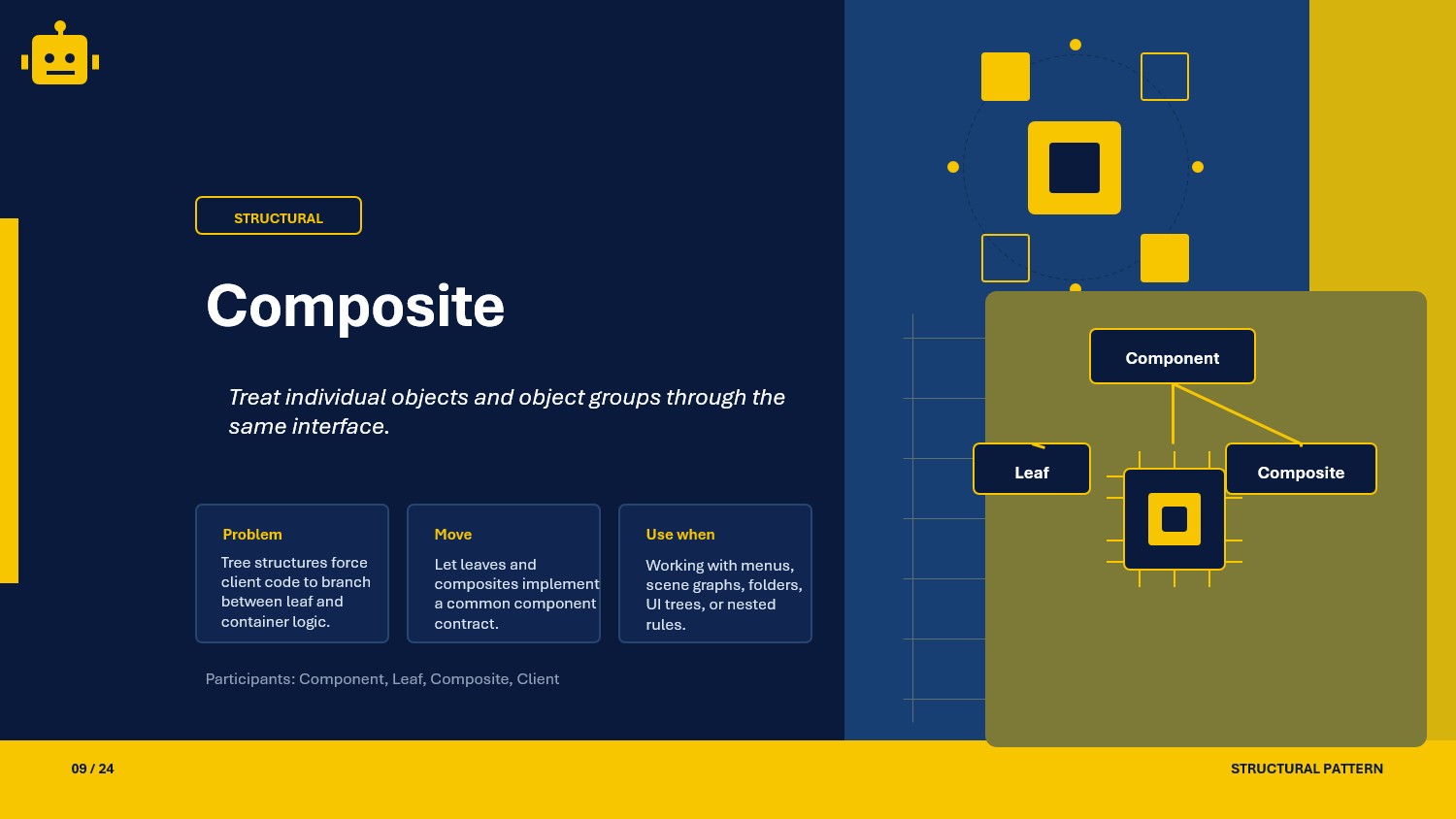
The Composite pattern lets clients treat individual objects and groups of objects uniformly.
In simple terms:
- A leaf is a single object that does real work.
- A composite is a container that holds children.
- Client code can call the same operation on both leaf and composite.
This is useful when data is naturally tree-shaped.
Composite Class Example
Suppose we model a notification tree where a group can contain channels and nested groups.
public interface INotificationNode{    void Send(string message);}
public sealed class EmailNode : INotificationNode{    public void Send(string message) => Console.WriteLine($"[Email] {message}");}
public sealed class SmsNode : INotificationNode{    public void Send(string message) => Console.WriteLine($"[SMS] {message}");}
public sealed class NotificationGroup : INotificationNode{    private readonly List<INotificationNode> _children = new();
    public void Add(INotificationNode child) => _children.Add(child);
    public void Remove(INotificationNode child) => _children.Remove(child);
    public void Send(string message)    {        foreach (var child in _children)        {            child.Send(message);        }    }}
Usage
var root = new NotificationGroup();root.Add(new EmailNode());
var nested = new NotificationGroup();nested.Add(new SmsNode());
root.Add(nested);root.Send("System maintenance at 10 PM");
Why This Works
- The client calls one interface (
INotificationNode) for both single nodes and groups. - Recursive tree traversal is handled inside composites.
- New leaf types can be added without changing caller flow.
- Nested structures stay manageable because operations are uniform.
When to Use It
- When your model is a hierarchy (folders/files, menus, categories, org charts).
- When clients should handle single and grouped items the same way.
- When recursive behavior should be encapsulated inside objects.
- When you want to avoid type checks spread across caller code.
If your model is flat and never recursive, Composite may add unnecessary structure.
Important Note for ASP.NET Core
In ASP.NET Core, Composite is useful in orchestration or rules pipelines where multiple handlers are grouped and executed as one unit.
You can register leaf handlers and build a composite coordinator in DI:
builder.Services.AddScoped<EmailNode>();builder.Services.AddScoped<SmsNode>();builder.Services.AddScoped<NotificationGroup>();When composition depends on runtime settings, build the tree in a dedicated application service.
Core Components of the Pattern
| Part | Purpose | Example in this article |
|---|---|---|
| Component | Common contract for all nodes | INotificationNode |
| Leaf | Terminal object without children | EmailNode, SmsNode |
| Composite | Container object with child nodes | NotificationGroup |
| Client | Uses component interface uniformly | API service/controller |
Common Composite Variations
01-SafeComposite
In Safe Composite, child-management methods (Add, Remove) exist only on composite classes, not on the base component interface.
public interface INode{    string Render();}
public sealed class TextLeaf : INode{    private readonly string _value;    public TextLeaf(string value) => _value = value;    public string Render() => _value;}
public sealed class TextGroup : INode{    private readonly List<INode> _children = new();
    public void Add(INode node) => _children.Add(node);
    public string Render() => string.Join(" ", _children.Select(c => c.Render()));}
This keeps the component contract minimal and avoids unsupported operations on leaves.
02-TransparentComposite
In Transparent Composite, child-management methods are declared in the component interface so all nodes expose the same API.
public interface IOrgUnit{    void Add(IOrgUnit child);    void Remove(IOrgUnit child);    int HeadCount();}
public sealed class EmployeeLeaf : IOrgUnit{    public void Add(IOrgUnit child) => throw new NotSupportedException();    public void Remove(IOrgUnit child) => throw new NotSupportedException();    public int HeadCount() => 1;}
public sealed class DepartmentComposite : IOrgUnit{    private readonly List<IOrgUnit> _children = new();
    public void Add(IOrgUnit child) => _children.Add(child);    public void Remove(IOrgUnit child) => _children.Remove(child);    public int HeadCount() => _children.Sum(c => c.HeadCount());}
This gives full interface uniformity, but leaves may need to throw for unsupported child-management calls.
How the Variations Differ
| Variation | Main idea | Best use case | Trade-off |
|---|---|---|---|
| SafeComposite | Child APIs exist only on composite classes | Strong type safety and clear intent | Client may need composite-specific type access for child operations |
| TransparentComposite | Child APIs exist on all component types | Maximum interface uniformity | Leaf classes may expose unsupported operations |
SOLID Principles Behind It
SRP — Single Responsibility Principle
Leaf classes handle individual behavior, while composites handle aggregation and traversal.
OCP — Open/Closed Principle
You can add new leaf/composite types without changing existing client logic.
LSP — Liskov Substitution Principle
Clients can substitute leaf and composite objects through the same component contract.
DIP — Dependency Inversion Principle
Client code depends on abstractions (INotificationNode) instead of concrete classes.
Advantages and Disadvantages
Advantages
- Simplifies tree-structured processing.
- Treats leaf and group uniformly.
- Supports recursive composition cleanly.
- Reduces caller complexity.
Disadvantages
- Can be overkill for simple, flat models.
- Transparent variant may force unsupported methods on leaves.
- Debugging deep trees can be harder without good diagnostics.
UML Diagram
classDiagram    class Client
    class INotificationNode {        <<interface>>        +Send(message)    }
    class EmailNode {        +Send(message)    }
    class SmsNode {        +Send(message)    }
    class NotificationGroup {        -children: List~INotificationNode~        +Add(child)        +Remove(child)        +Send(message)    }
    INotificationNode <|.. EmailNode    INotificationNode <|.. SmsNode    INotificationNode <|.. NotificationGroup    NotificationGroup --> INotificationNode : contains    Client --> INotificationNode : uses
A Quick Usage Example
INotificationNode tree = new NotificationGroup();var group = (NotificationGroup)tree;
group.Add(new EmailNode());group.Add(new SmsNode());
group.Send("Build completed successfully");
The caller triggers one Send call, and the whole hierarchy processes the message.
How to Validate the Pattern
To validate Composite behavior, check these points:
- client code should work with the component interface only
- leaves should execute directly without child traversal
- composites should recursively propagate calls to all children
- nested composites should preserve call order and expected outcomes
A small xUnit example:
[Fact]public void NotificationGroup_Should_Send_To_All_Children(){    var group = new NotificationGroup();    group.Add(new EmailNode());    group.Add(new SmsNode());
    group.Send("Release deployed");
    Assert.True(true); // Replace with spy-based assertions in real tests.}