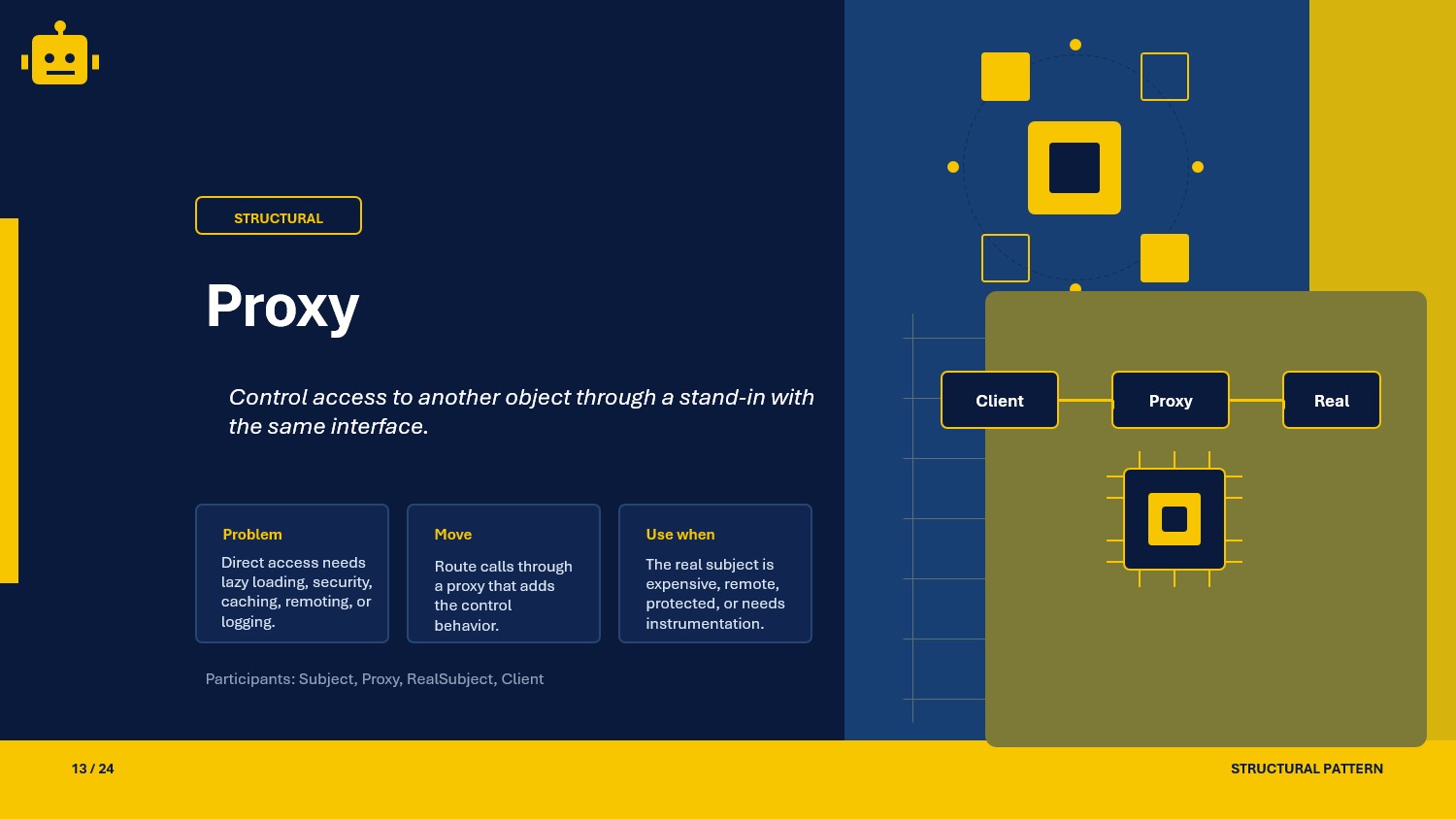
A practical guide to the Proxy pattern in C#, covering virtual, remote, protection, and smart proxies with UML and ASP.NET Core usage.
Intro
Proxy is a structural design pattern that places a stand-in object in front of a real object.
That stand-in exposes the same contract as the real service, but it can decide when and how requests reach the underlying object. In practical .NET code, this is useful for lazy loading, remote calls, authorization, logging, caching, and lifecycle control.
What Is the Proxy Pattern?
The Proxy pattern provides a surrogate object that controls access to another object.
In simple terms:
- the client talks to a familiar interface
- the proxy implements that same interface
- the proxy forwards calls to the real subject when appropriate
This is useful when the real object is expensive, remote, sensitive, or needs extra behavior around each call.
Proxy Class Example
Suppose an API needs to generate reports from a heavy service. Creating the real service is expensive, so a proxy delays that work until the first request.
public interface IReportGenerator{    string GenerateMonthlyReport();}
public sealed class RealReportGenerator : IReportGenerator{    public RealReportGenerator()    {        Console.WriteLine("Loading report templates and analytics data...");    }
    public string GenerateMonthlyReport()    {        return "Monthly report generated";    }}
public sealed class ReportGeneratorProxy : IReportGenerator{    private RealReportGenerator? _realGenerator;
    public string GenerateMonthlyReport()    {        _realGenerator ??= new RealReportGenerator();        return _realGenerator.GenerateMonthlyReport();    }}
Usage
IReportGenerator generator = new ReportGeneratorProxy();
Console.WriteLine("Proxy created");Console.WriteLine(generator.GenerateMonthlyReport());
The client depends only on IReportGenerator, while the proxy decides when the real service should be created.
Why This Works
- The client remains unaware of whether it is calling a proxy or the real subject.
- Cross-cutting concerns can be added without changing the real object.
- Expensive resources can be loaded only when needed.
- Access checks and remote-call coordination stay outside core business logic.
The pattern works because both proxy and real subject share the same contract, so the client can substitute one for the other transparently.
When to Use It
- When object creation is expensive and should be delayed.
- When access to a service must be restricted by role or policy.
- When a local object should represent a remote service call.
- When logging, caching, reference counting, or lifecycle tracking should wrap an existing dependency.
Avoid Proxy when a direct dependency is simpler and there is no real access-control, indirection, or lifecycle problem to solve.
Important Note for ASP.NET Core
In ASP.NET Core, proxies fit well around services registered in dependency injection. A proxy can enforce authorization, perform caching, or lazy-load infrastructure services while preserving the original interface.
For example, a protection proxy can be registered as the public implementation of a sensitive service:
builder.Services.AddScoped<FinancialReportService>();builder.Services.AddScoped<IReportGenerator, AuthorizedReportProxy>();Be careful not to turn a proxy into a second business service. Keep it focused on access control, lifecycle management, or infrastructure concerns. Domain decisions should stay in the real subject.
Core Components of the Pattern
| Part | Purpose | Example in this article |
|---|---|---|
| Subject | Common contract shared by real subject and proxy | IReportGenerator |
| Real Subject | Actual implementation that does the work | RealReportGenerator |
| Proxy | Controls access to the real subject | ReportGeneratorProxy |
| Client | Uses the subject contract without knowing which implementation it holds | controller or application service |
Common Proxy Variations
01-VirtualProxy
Virtual Proxy delays creation of an expensive object until it is actually needed.
public sealed class ThumbnailProxy : IReportGenerator{    private RealReportGenerator? _realGenerator;
    public string GenerateMonthlyReport()    {        _realGenerator ??= new RealReportGenerator();        return _realGenerator.GenerateMonthlyReport();    }}
This is the best fit when startup cost is high but usage is optional.
02-RemoteProxy
Remote Proxy represents an object that lives in another process, machine, or service boundary.
public sealed class RemoteInventoryProxy : IInventoryService{    private readonly HttpClient _httpClient;
    public RemoteInventoryProxy(HttpClient httpClient)    {        _httpClient = httpClient;    }
    public async Task<int> GetStockAsync(string sku)    {        return await _httpClient.GetFromJsonAsync<int>($"inventory/{sku}");    }}
The client calls an interface locally, while the proxy translates that call into a remote request.
03-ProtectionProxy
Protection Proxy checks permissions before forwarding a request to the real subject.
public sealed class AuthorizedReportProxy : IReportGenerator{    private readonly FinancialReportService _realService;    private readonly IUserContext _userContext;
    public AuthorizedReportProxy(FinancialReportService realService, IUserContext userContext)    {        _realService = realService;        _userContext = userContext;    }
    public string GenerateMonthlyReport()    {        if (!_userContext.IsInRole("Finance"))        {            throw new UnauthorizedAccessException("Finance role required");        }
        return _realService.GenerateMonthlyReport();    }}
This variation is common when access rules must be enforced before a sensitive service can run.
04-SmartProxy
Smart Proxy adds operational behavior such as logging, reference counting, caching, or timing around the real subject.
public sealed class TimingReportProxy : IReportGenerator{    private readonly IReportGenerator _realService;    private readonly ILogger<TimingReportProxy> _logger;
    public TimingReportProxy(IReportGenerator realService, ILogger<TimingReportProxy> logger)    {        _realService = realService;        _logger = logger;    }
    public string GenerateMonthlyReport()    {        var startedAt = DateTime.UtcNow;        var result = _realService.GenerateMonthlyReport();        _logger.LogInformation("Report generated in {Duration} ms", (DateTime.UtcNow - startedAt).TotalMilliseconds);        return result;    }}
This variation is helpful when the proxy needs to observe or enrich calls without changing the core implementation.
How the Variations Differ
| Variation | Main purpose | Best fit |
|---|---|---|
| 01-VirtualProxy | Delays expensive creation | Heavy services, lazy initialization, optional resources |
| 02-RemoteProxy | Represents a remote object locally | HTTP services, gRPC clients, distributed systems |
| 03-ProtectionProxy | Restricts access before forwarding | Authorization, tenancy, policy checks |
| 04-SmartProxy | Adds operational behavior around calls | Logging, caching, metrics, reference tracking |
The core structure stays the same in all four cases. What changes is the reason the proxy stands in front of the real subject.
SOLID Principles Behind It
- Single Responsibility Principle: the real subject focuses on business behavior, while the proxy handles access, indirection, or instrumentation.
- Open/Closed Principle: new proxy behaviors can be added around the same contract without changing the client.
- Dependency Inversion Principle: clients depend on
IReportGeneratoror another subject interface instead of a concrete class.
Proxy also supports separation of concerns because security, transport, and operational logic can stay outside the main implementation.
Advantages and Disadvantages
| Advantages | Disadvantages |
|---|---|
| Adds access control and lifecycle management cleanly | Introduces extra indirection |
| Keeps the client coupled only to an interface | Can hide expensive behavior behind a simple call |
| Supports lazy loading and remote coordination | Debugging can be harder when multiple layers wrap the same service |
| Works well with DI and cross-cutting infrastructure | Too many proxies can make architecture noisy |
UML Diagram
classDiagram    class Client    class IReportGenerator {        <<interface>>        +GenerateMonthlyReport() string    }    class ReportGeneratorProxy {        -realGenerator: RealReportGenerator        +GenerateMonthlyReport() string    }    class RealReportGenerator {        +GenerateMonthlyReport() string    }
    Client --> IReportGenerator    ReportGeneratorProxy ..|> IReportGenerator    RealReportGenerator ..|> IReportGenerator    ReportGeneratorProxy --> RealReportGenerator
The proxy and the real subject share the same interface, and the proxy decides how calls reach the underlying implementation.
A Quick Usage Example
IReportGenerator generator = new ReportGeneratorProxy();
var first = generator.GenerateMonthlyReport();var second = generator.GenerateMonthlyReport();
Console.WriteLine(first);Console.WriteLine(second);
The first call initializes the real subject. The second call reuses it through the same proxy object.
How to Validate the Pattern
- Verify that both proxy and real subject implement the same interface.
- Confirm that the client depends only on the subject abstraction.
- Test that the proxy actually controls access, timing, remote transport, or lazy initialization rather than duplicating business logic.
- For Virtual Proxy, assert that the real object is not created until the first call.
- For Protection Proxy, add tests for both allowed and denied access.
- For Remote Proxy, validate transport failures and retries separately from business behavior.
- For Smart Proxy, confirm that logging, metrics, or caching wrap the real subject without changing its output contract.
If the wrapper changes the domain behavior instead of controlling access to an existing subject, it is probably a decorator or a different abstraction, not a proxy.