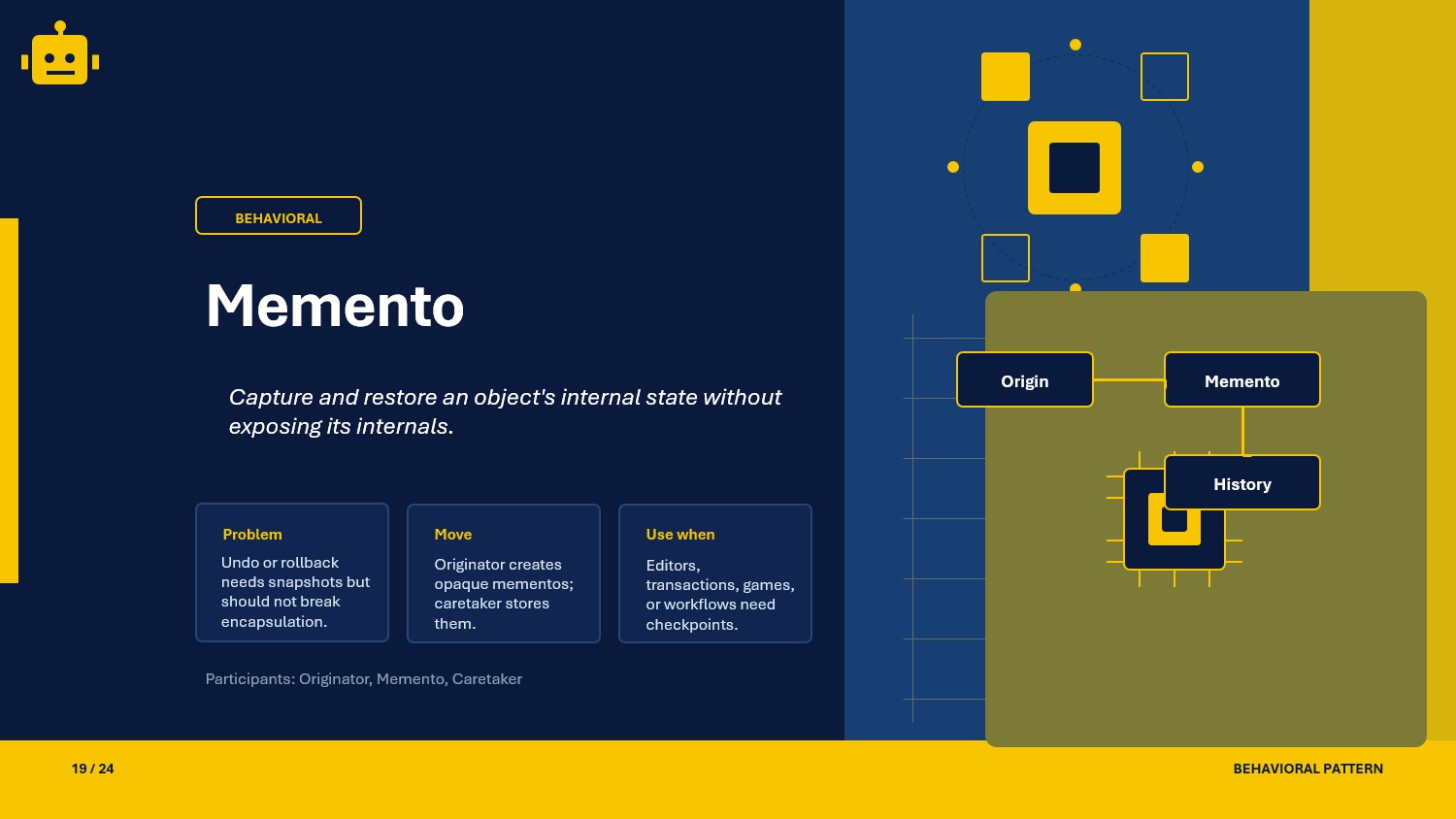
A practical Memento pattern guide in C# with black-box and white-box snapshot styles for safe state restoration.
Intro
Applications that edit or transform state often need undo, rollback, or checkpoint behavior. The Memento pattern keeps that possible by storing snapshots without exposing the object’s internal state management to callers.
What Is the Memento Pattern?
Memento is a behavioral design pattern that captures and externalizes an object’s state so it can be restored later without breaking encapsulation.
In .NET, it shows up in editors, configuration screens, workflow drafts, and transactional recovery paths.
Memento Class Example
This example models a text editor that can save and restore snapshots.
public sealed record EditorSnapshot(string Content);
public sealed class TextEditor{    public string Content { get; private set; } = string.Empty;
    public void Write(string text) => Content += text;
    public EditorSnapshot Save() => new(Content);
    public void Restore(EditorSnapshot snapshot) => Content = snapshot.Content;}
public sealed class EditorHistory{    private readonly Stack<EditorSnapshot> _snapshots = new();
    public void Push(EditorSnapshot snapshot) => _snapshots.Push(snapshot);
    public EditorSnapshot Pop() => _snapshots.Pop();}
Why This Works
The originator owns the live state, the memento stores a snapshot, and the caretaker manages the snapshot lifecycle. That separation makes rollback possible without letting external code mutate internals directly.
When to Use It
Memento is a good fit when state changes need reversible checkpoints.
- undo and redo features
- draft recovery in editors or forms
- rollback after failed multi-step operations
- preserving snapshots before risky updates
- capturing state for user-driven history navigation
If you only need a current value and never need restoration, a plain value object is enough.
Important Note for ASP.NET Core
In ASP.NET Core, mementos are often used in application services to snapshot input or domain state before a risky operation. Keep the snapshot boundary inside the service layer so controllers remain simple.
builder.Services.AddScoped<DocumentEditor>();builder.Services.AddScoped<EditorHistory>();This is useful when you need safe restore points around validation, persistence, or external calls.
Core Components of the Pattern
| Part | Purpose | Example in this article |
|---|---|---|
| Originator | Creates and restores state | TextEditor |
| Memento | Stores captured state | EditorSnapshot |
| Caretaker | Tracks snapshots | EditorHistory |
| Client | Requests save and restore | API layer or UI layer |
Common Memento Variations
You will commonly apply the Memento pattern in these two forms:
Black-box Memento
The memento hides its state completely and only the originator can interpret it.
public interface IEditorMemento{}White-box Memento
The memento exposes state directly, which is simpler but weaker on encapsulation.
public sealed record OpenEditorMemento(string Content);How the Variations Differ
| Variation | Encapsulation | Flexibility | Best use case |
|---|---|---|---|
| Black-box Memento | High | Lower | Safe restoration of sensitive state |
| White-box Memento | Lower | Higher | Simple internal tools or lightweight snapshots |
SOLID Principles Behind It
SRP - Single Responsibility Principle
State capture, state restoration, and snapshot storage are separated.
OCP - Open/Closed Principle
You can add new snapshot types without changing the originator’s core behavior.
DIP - Dependency Inversion Principle
Restoration logic can depend on a snapshot abstraction instead of the live object internals.
Advantages and Disadvantages
Advantages
- enables undo and rollback behavior
- preserves encapsulation better than ad hoc state copying
- makes state checkpoints explicit and testable
- helps recover from partial failures
Disadvantages (and Optional Alternatives)
- snapshot storage can consume memory quickly Optional pattern: Command (when action replay is enough and full snapshots are unnecessary).
- too many restore points can complicate history management Optional pattern: Event Sourcing (when you want an append-only audit trail).
- white-box snapshots can leak implementation details Optional pattern: Black-box Memento (when encapsulation matters more than convenience).
UML Diagram
classDiagram    class Client    class TextEditor    class EditorSnapshot    class EditorHistory
    Client --> TextEditor    Client --> EditorHistory    TextEditor --> EditorSnapshot    EditorHistory --> EditorSnapshot
A Quick Usage Example
var editor = new TextEditor();var history = new EditorHistory();
editor.Write("Hello");history.Push(editor.Save());
editor.Write(" World");editor.Restore(history.Pop());
Console.WriteLine(editor.Content); // Hello
The caller stores a checkpoint before making a change and restores it if the operation needs to be undone.
How to Validate the Pattern
Use these checks to confirm your Memento implementation is healthy:
- snapshots should restore the exact prior state
- caretaker code should not mutate originator internals directly
- restore behavior should be covered by repeatable tests
- memento storage should be bounded or intentionally retained
- sensitive state should stay hidden in black-box variants
Is there any other way to check our implementations
- yes, add undo and rollback tests around the editor or workflow service
- add tests for snapshot stack behavior and memory limits when relevant
Summary
The Memento pattern gives you a disciplined way to save and restore state without exposing internals. In .NET APIs, it is useful wherever checkpoints, rollback, or undo behavior must stay reliable and easy to test.