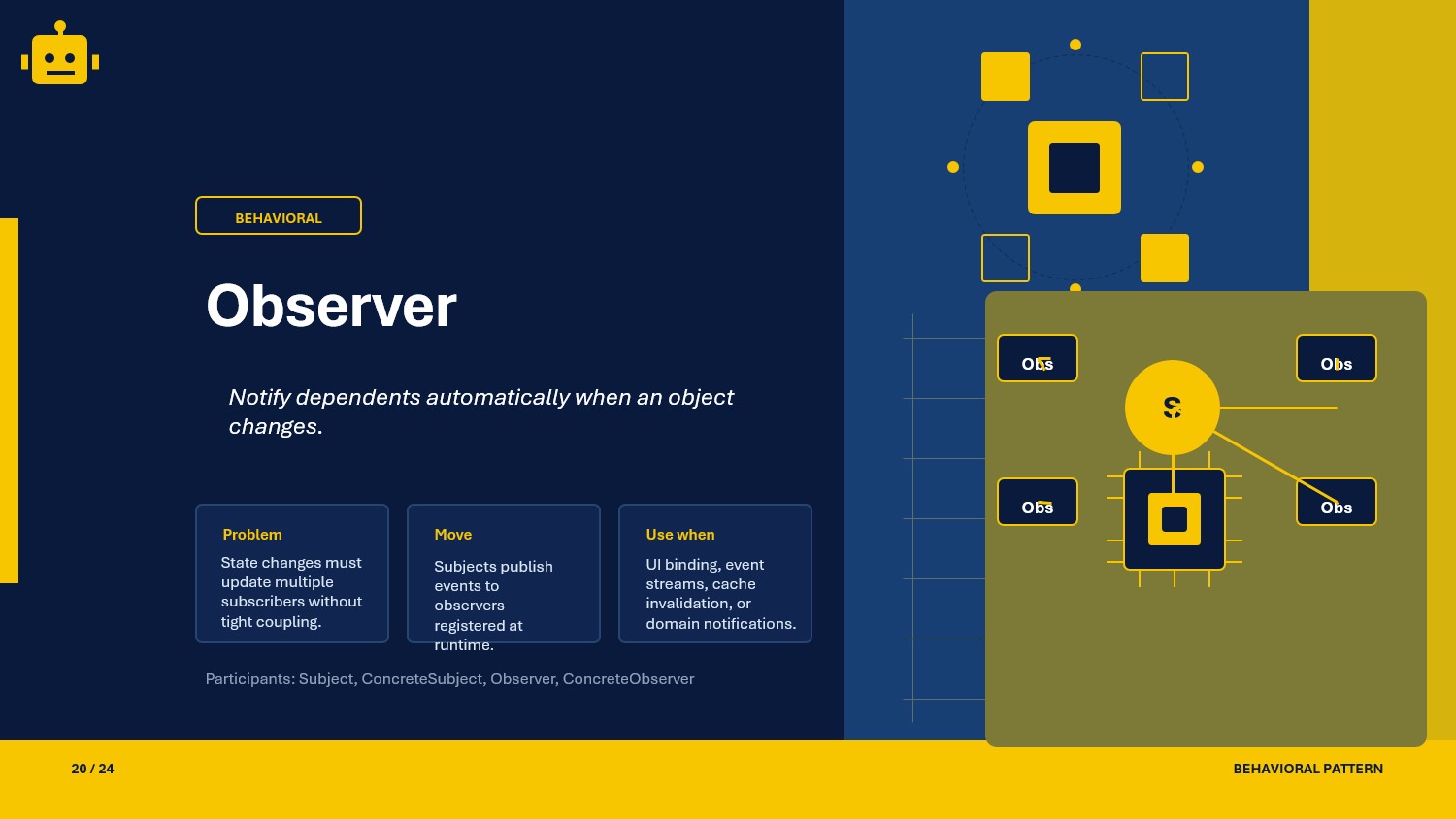
A practical Observer pattern guide in C# with push, pull, and event-delegate variants for reactive .NET workflows.
Intro
When one change needs to notify many interested parties, direct fan-out logic becomes repetitive fast. The Observer pattern keeps that reaction chain organized by letting subscribers react to a shared subject.
What Is the Observer Pattern?
Observer is a behavioral design pattern where a subject maintains a list of dependents and notifies them automatically when its state changes.
In .NET, it is commonly reflected in events, domain notifications, message buses, and UI change propagation.
Observer Class Example
The example below models a price ticker that informs subscribers when the value changes.
public interface IPriceObserver{    void Update(decimal price);}
public sealed class PriceTicker{    private readonly List<IPriceObserver> _observers = new();
    public decimal CurrentPrice { get; private set; }
    public void Attach(IPriceObserver observer) => _observers.Add(observer);
    public void Detach(IPriceObserver observer) => _observers.Remove(observer);
    public void SetPrice(decimal price)    {        CurrentPrice = price;        foreach (var observer in _observers)            observer.Update(price);    }}
Why This Works
The subject owns state changes, while observers encapsulate reactions. That separation lets you add or remove subscribers without changing the subject’s core rules.
When to Use It
Observer is a strong fit when many parts of the system must respond to the same state change.
- domain events and notification pipelines
- UI updates driven by model changes
- cache invalidation after writes
- audit or telemetry listeners
- event-driven integrations
If there is only one consumer, a direct method call is simpler.
Important Note for ASP.NET Core
In ASP.NET Core, observer behavior is often implemented with events, IObservable<T>, or domain-event dispatchers. Event delegates are usually the most idiomatic starting point for application code.
public sealed class PriceService{    public event EventHandler<decimal>? PriceChanged;
    public void SetPrice(decimal price) => PriceChanged?.Invoke(this, price);}
This allows you to keep the publisher focused while letting handlers evolve independently.
Core Components of the Pattern
| Part | Purpose | Example in this article |
|---|---|---|
| Subject | Maintains and notifies observers | PriceTicker |
| Observer | Reacts to updates | IPriceObserver |
| Concrete observer | Implements a reaction | notification handler or UI updater |
| Client | Registers observers | startup or composition root |
Common Observer Variations
You will commonly apply the Observer pattern in these three forms:
Push Model
The subject sends the changed data directly to observers.
public void Update(decimal price) { }Pull Model
The subject notifies observers, and observers query the subject for the data they need.
public interface IPriceObserver{ void Update(PriceTicker ticker);}Event Delegates
C# events are the idiomatic observer mechanism for many application-level scenarios.
public event EventHandler<decimal>? PriceChanged;How the Variations Differ
| Variation | Data flow | Coupling | Best use case |
|---|---|---|---|
| Push Model | Subject pushes values to observers | Lower | Simple notifications |
| Pull Model | Observer pulls state from subject | Medium | Rich or changing observer needs |
| Event Delegates | CLR events fan out updates | Low | Idiomatic .NET event notification |
SOLID Principles Behind It
SRP - Single Responsibility Principle
The subject changes state, and observers handle reactions.
OCP - Open/Closed Principle
You can add new observers without changing the subject implementation.
DIP - Dependency Inversion Principle
The subject depends on observer abstractions, not concrete reaction logic.
Advantages and Disadvantages
Advantages
- supports reactive workflows cleanly
- reduces hard-coded dependencies between related objects
- makes fan-out behavior extensible
- fits events, notifications, and UI updates well
Disadvantages (and Optional Alternatives)
- notification storms can become hard to trace Optional pattern: Mediator (when orchestration is more important than broadcast).
- observer ordering may matter and become fragile Optional pattern: Chain of Responsibility (when ordered processing is required).
- push-based payloads can carry data observers do not need Optional pattern: Pull Model (when observers should decide what to read).
UML Diagram
classDiagram    class Subject    class Observer {        <<interface>>        +Update(price)    }    class ConcreteObserver
    Subject --> Observer : notifies    ConcreteObserver ..|> Observer
A Quick Usage Example
var ticker = new PriceTicker();ticker.Attach(new PriceLogger());ticker.SetPrice(125.50m);The subject broadcasts the new state while each observer reacts independently.
How to Validate the Pattern
Use these checks to confirm your Observer implementation is healthy:
- observers should react without the subject knowing concrete details
- attaching or detaching observers should not require subject changes
- notifications should be testable with fake or mocked observers
- event handlers should be unsubscribed when lifetimes end
- observer order should be explicit if the order matters
Is there any other way to check our implementations
- yes, add unit tests for attach, detach, and notification behavior
- add integration tests for event dispatch or domain event publishing
Summary
The Observer pattern gives you a clean way to fan out state changes to many listeners without hard-wiring the relationships. In .NET APIs, it maps naturally to events, notifications, and other reactive boundaries.