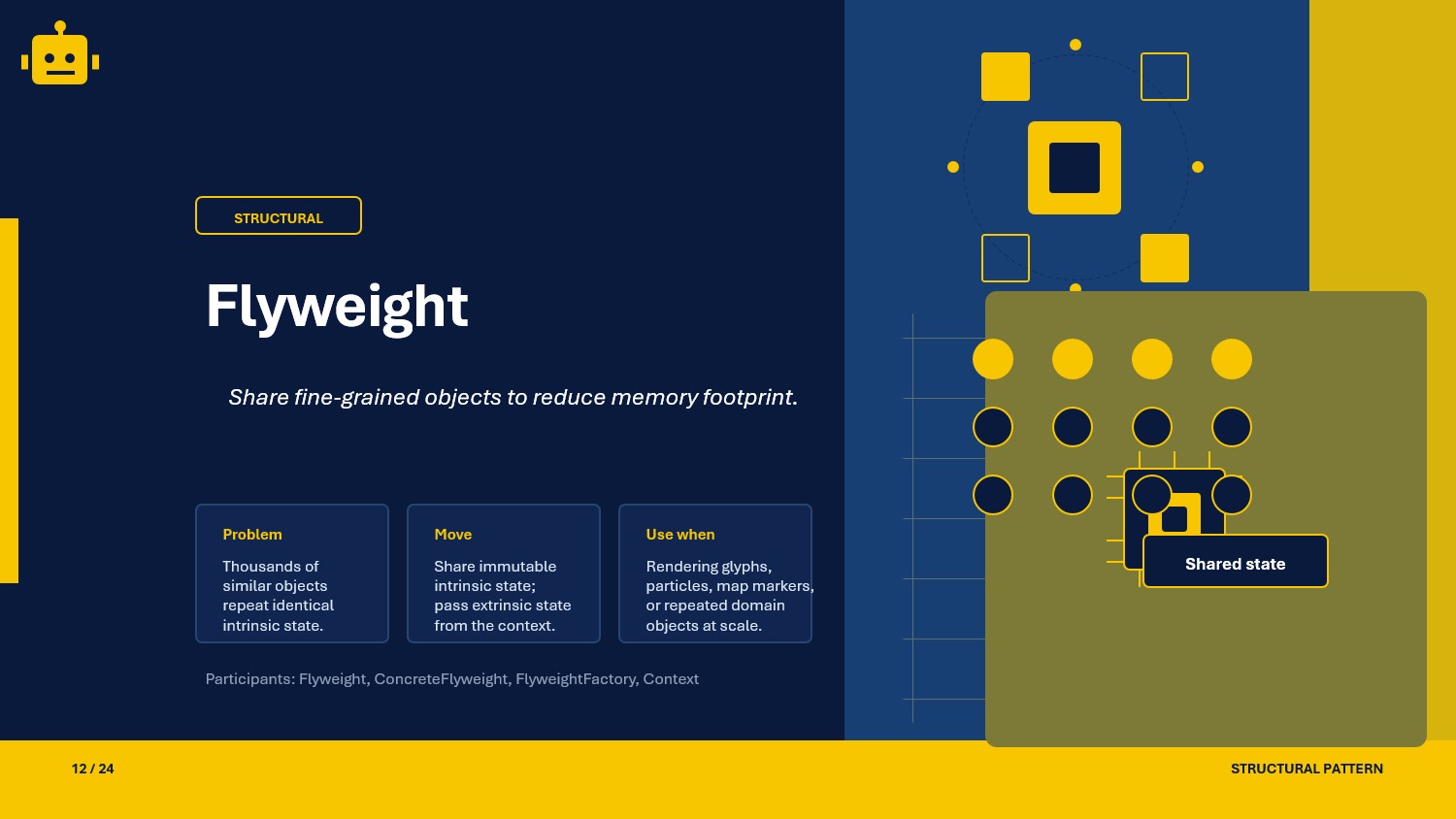
A practical guide to the Flyweight pattern in C#, with intrinsic vs extrinsic state, composite flyweight, and a UML diagram.
Intro
Flyweight is a structural design pattern used to reduce memory usage when an application creates a large number of similar objects.
The main idea is simple: keep the immutable, shared part of an object in one place, and pass the changing data from the outside when needed. In .NET systems this is useful when rendering UI elements, processing document tokens, caching metadata, or handling repeated domain objects with the same core definition.
What Is the Flyweight Pattern?
The Flyweight pattern separates object state into two parts:
- intrinsic state: shared, stable data stored inside the flyweight
- extrinsic state: context-specific data supplied by the caller
Instead of allocating a new heavy object every time, the application reuses a shared flyweight instance and provides only the external state per operation.
This solves the problem of excessive allocations when many objects have the same internal structure but differ only by runtime context such as position, request details, or formatting options.
Flyweight Class Example
Suppose an export service renders document glyphs. The font family, style, and icon code are shared, but the page position is specific to each render call.
public interface IGlyphFlyweight{    void Render(int x, int y, string color);}
public sealed class GlyphFlyweight : IGlyphFlyweight{    private readonly string _symbol;    private readonly string _fontFamily;
    public GlyphFlyweight(string symbol, string fontFamily)    {        _symbol = symbol;        _fontFamily = fontFamily;    }
    public void Render(int x, int y, string color)    {        Console.WriteLine($"Rendering '{_symbol}' with {_fontFamily} at ({x}, {y}) in {color}");    }}
public sealed class GlyphFactory{    private readonly Dictionary<string, IGlyphFlyweight> _cache = new();
    public IGlyphFlyweight GetGlyph(string symbol, string fontFamily)    {        var key = $"{symbol}:{fontFamily}";
        if (!_cache.TryGetValue(key, out var glyph))        {            glyph = new GlyphFlyweight(symbol, fontFamily);            _cache[key] = glyph;        }
        return glyph;    }}
Usage
var factory = new GlyphFactory();
var saveIcon = factory.GetGlyph("save", "Segoe Fluent Icons");saveIcon.Render(10, 20, "Blue");saveIcon.Render(120, 20, "Green");
The GlyphFlyweight stores shared intrinsic state, while coordinates and color are passed as extrinsic state on each call.
Why This Works
- Shared data is allocated once and reused across many operations.
- The caller controls the changing context, so a single flyweight can serve many scenarios.
- Memory pressure drops because repeated internal state is no longer duplicated.
- The factory centralizes reuse and prevents accidental duplicate instances.
The pattern works best when the shared state is truly stable and does not depend on request-specific data.
When to Use It
- When the application creates a very large number of similar objects.
- When most of the object data can be shared safely.
- When allocation cost or memory usage is measurable in profiling.
- When caller-specific context can be supplied at execution time.
Avoid Flyweight when the object count is small, when the state is mostly unique, or when splitting state would make the code harder to understand than the memory savings justify.
Important Note for ASP.NET Core
In ASP.NET Core, Flyweight is useful for shared metadata, compiled templates, endpoint descriptors, rules catalogs, and cached display definitions. The flyweight objects are usually good candidates for singleton lifetime because their intrinsic state is immutable.
Be careful not to store request-specific data inside the flyweight itself. Items such as HttpContext, tenant-specific settings, user claims, or per-request payloads are extrinsic state and must stay outside the shared instance.
builder.Services.AddSingleton<GlyphFactory>();That registration works only because the factory cache holds reusable, immutable flyweights.
Core Components of the Pattern
| Part | Purpose | Example in this article |
|---|---|---|
| Flyweight | Stores shared intrinsic state | GlyphFlyweight |
| Flyweight Interface | Defines operations that accept extrinsic state | IGlyphFlyweight |
| Flyweight Factory | Reuses or creates flyweights | GlyphFactory |
| Client | Supplies the external state during use | export service or controller |
Common Flyweight Variations
01-IntrinsicVsExtrinsicState
This variation emphasizes the main Flyweight rule: shared state stays inside the object, and changing state is passed by the caller.
public sealed class ProductCardFlyweight{    private readonly string _categoryName;    private readonly string _badgeStyle;
    public ProductCardFlyweight(string categoryName, string badgeStyle)    {        _categoryName = categoryName;        _badgeStyle = badgeStyle;    }
    public string Render(string productName, decimal price)    {        return $"[{_badgeStyle}] {_categoryName} - {productName}: {price:C}";    }}
Here _categoryName and _badgeStyle are intrinsic state. The productName and price values are extrinsic because they change for every product rendered.
02-CompositeFlyweight
This variation groups multiple flyweights so the client can treat a collection of shared parts as one logical unit.
public interface ITextFlyweight{    string Render(string value);}
public sealed class CharacterFlyweight : ITextFlyweight{    private readonly char _prefix;
    public CharacterFlyweight(char prefix)    {        _prefix = prefix;    }
    public string Render(string value) => $"{_prefix}:{value}";}
public sealed class CompositeTextFlyweight : ITextFlyweight{    private readonly IReadOnlyCollection<ITextFlyweight> _parts;
    public CompositeTextFlyweight(IReadOnlyCollection<ITextFlyweight> parts)    {        _parts = parts;    }
    public string Render(string value)    {        return string.Join(" | ", _parts.Select(part => part.Render(value)));    }}
Composite Flyweight is useful when many small shared pieces are combined into a larger reusable structure.
How the Variations Differ
| Variation | Focus | Best fit |
|---|---|---|
| 01-IntrinsicVsExtrinsicState | Clean separation between shared and caller-provided data | High-volume rendering, caching, repeated domain metadata |
| 02-CompositeFlyweight | Groups multiple shared flyweights into one reusable object | Text engines, UI composition, reusable token graphs |
The first variation is about correctness of state ownership. The second adds structural reuse when multiple flyweights should travel together as one abstraction.
SOLID Principles Behind It
- Single Responsibility Principle: the flyweight owns shared state, while the client owns execution-specific context.
- Open/Closed Principle: new flyweight types can be added without changing existing callers that depend on the flyweight interface.
- Dependency Inversion Principle: clients can depend on abstractions such as
IGlyphFlyweightinstead of concrete implementations.
Flyweight also supports good separation of concerns because caching, rendering, and caller context stay in distinct layers.
Advantages and Disadvantages
| Advantages | Disadvantages |
|---|---|
| Reduces memory usage for repeated objects | Adds conceptual overhead by splitting state |
| Cuts duplicate allocations | Bugs appear if extrinsic and intrinsic state are mixed incorrectly |
| Improves cache reuse and sharing | Factory and cache logic must be managed carefully |
| Works well with immutable shared definitions | Not useful when most object data is unique |
UML Diagram
classDiagram    class Client    class IGlyphFlyweight {        <<interface>>        +Render(x, y, color)    }    class GlyphFlyweight {        -symbol: string        -fontFamily: string        +Render(x, y, color)    }    class GlyphFactory {        -cache: Dictionary        +GetGlyph(symbol, fontFamily) IGlyphFlyweight    }
    Client --> GlyphFactory    Client --> IGlyphFlyweight    GlyphFlyweight ..|> IGlyphFlyweight    GlyphFactory --> IGlyphFlyweight
The client requests a shared flyweight from the factory, then supplies extrinsic state when calling Render.
A Quick Usage Example
var factory = new GlyphFactory();
var warningIcon = factory.GetGlyph("warning", "Segoe Fluent Icons");
var dashboardPoints = new[]{    (X: 16, Y: 16, Color: "Orange"),    (X: 48, Y: 16, Color: "Red"),    (X: 80, Y: 16, Color: "Yellow")};
foreach (var point in dashboardPoints){    warningIcon.Render(point.X, point.Y, point.Color);}
One shared icon definition is reused three times with different external state.
How to Validate the Pattern
- Confirm that repeated requests for the same intrinsic state return the same shared instance from the factory.
- Verify that request-specific values are passed from the caller and not stored on the flyweight.
- Add tests that compare object references for reused flyweights.
- Profile allocations before and after the change to confirm the pattern solves a real memory problem.
- In ASP.NET Core, ensure singleton flyweights remain immutable and do not capture scoped services.
If the code still creates one object per use case or stores runtime-specific data inside the shared instance, it is not a correct Flyweight implementation.